JustFixPrinter is an independent printer-help and troubleshooting resource created to make printer and scanner problems easier to understand.
Printer help should not require you to already understand printers, drivers, wireless networks, scanning software, or technical terms. Our goal is to help ordinary users understand what is happening, what they can safely try, and where to go next.
We create practical, step-by-step guidance for printer setup, drivers and software, Wi-Fi problems, scanning, printing issues, error messages, mobile printing, and other common printer problems.
JustFixPrinter is not HP, Canon, Epson, Brother, Lexmark, or any other printer manufacturer. We do not want visitors to mistake this site for official manufacturer support.
When a solution requires manufacturer software, drivers, an account, warranty service, or another official resource, we make that clear and direct you to the appropriate manufacturer resource. Being independent does not mean pretending to replace the manufacturer. It means helping you understand the problem before you get there.
When a printer stops working, the person looking for help may already be frustrated. They may not know whether the problem is the printer, driver, app, computer, wireless connection, or an account setting.
Our guides are built around simple questions:
The goal is to make the next step clearer, not to impress you with technical language.
We do not claim that one fix will solve every printer problem. Some issues can be resolved through settings or software. Others may require official manufacturer tools, replacement parts, warranty service, or professional repair.
Our responsibility is to explain what we can, be clear about what we cannot know from a general guide, and point you toward the right next step when more specialized help is needed.
People usually do not search for a technical manual. They search because something is not working.
That is why our content focuses on questions such as setting up a printer, connecting it to Wi-Fi, fixing a printer that will not print, understanding blank pages or errors, getting scanning to work, installing the right software, and printing from a phone or tablet.
You can also start with the JustFixPrinter Help Center, browse the printer troubleshooting knowledge base, or find guidance by printer model and brand.
Useful help should be easy to find, easy to read, and practical to follow. If an official manufacturer page is the right next step, we want you to know that rather than keeping you on a page that cannot provide what you need.
Our job is to help you reach the right information—not to keep you away from it.
Printer problems can sometimes involve personal documents, account information, or details about a home or office network. General troubleshooting should not require you to share passwords, account credentials, or personal documents.
Please avoid posting sensitive information when seeking technical help. For more information about site data and privacy, see our Privacy Policy.
JustFixPrinter is intended to be a practical, free knowledge resource. The focus is simple: give people a clear place to start when a printer or scanner is not doing what they expect.
JustFixPrinter was not created to become famous. It was created to be useful.
We have chosen not to build this project around paid advertising, sponsored promotion, billboards, posters, or campaigns designed simply to make the website look bigger or more popular than it is.
There is a reason for that choice.
The moment an independent information resource becomes dependent on money, promotion, sponsorship, or commercial relationships, there can be pressure to satisfy someone other than the person looking for help. We don't want that pressure to decide what we write, what we recommend, or where we send you.
We want to remain free to say:
That independence matters to us.
We also don't want to ask you to subscribe, follow, share, or promote JustFixPrinter simply because you visited the site.
If you genuinely found something here helpful and, at some point, you happen to meet another person facing the same kind of printer problem, then simply telling them about JustFixPrinter may be the most meaningful way you can help.
You could be the person who saves someone else hours of confusion.
You could be the person who helps them find a clear explanation before they become frustrated.
You could be the person who gives the next person a place to start.
We have completed our first step: we built JustFixPrinter.
Keeping it useful is the next step.
If you have found this website genuinely helpful, our only request is simple:
When the opportunity naturally comes, be the carrier of that help to the next person who may need it.
No obligation. No subscription. No payment. No expectation.
Just one small human effort that may help another person avoid a difficult experience.
And if you would rather tell us about your experience, we would genuinely love to hear it.
Tell us what part of a guide helped you. Tell us what made things easier. Tell us what you liked most. And, just as importantly, tell us where we can improve.
Your feedback can help us make the next guide clearer for someone else.
We believe a small effort can travel much further than we can see.
We built the website as our one-step effort.
Your one-step effort could help the next person.
And if that happens, your effort will not have been meaningless. It will have helped carry useful information from one person to another.
That gives us something money cannot buy: the motivation and courage to keep believing that nothing is impossible when the vision is clear.
JustFixPrinter is:
JustFixPrinter is not:
We would rather show you than just say it. Everything above this section is a promise; this is the accounting behind it, using the real, current numbers from the site itself — not a rounded-up figure for effect.
None of this exists to look bigger than it is. It exists so that whichever specific problem brought you here — a model number, a brand, or just a general question you couldn't quite put into words — there's a real, specific answer waiting, and a clear, honest point to a real manufacturer's own support when that's genuinely the next step. You can start from the full model directory or the knowledge base any time.
JustFixPrinter is an independent troubleshooting resource. Brand names are referenced only to identify the products and technologies covered by our guides. We are not affiliated with, endorsed by, or operated on behalf of printer manufacturers.
Our content is written to provide general informational guidance. Printer firmware, drivers, operating systems, apps, and menus can change, and individual configurations can differ. We work to keep information useful and accurate, but we cannot guarantee that a particular set of steps will resolve every model or configuration.
Our setup steps, troubleshooting content, and downloadable guides are created as original educational material based on general printer knowledge and practical testing across common situations and models. We do not present manufacturer documentation as our own.
Where we are not certain that a solution applies universally, we say so rather than guessing. When the manufacturer's own software, documentation, account tools, or support system is the appropriate authority, we identify that resource clearly.
JustFixPrinter is the founding site in a small family of independent, plain-language help sites we call JustFix. Each site covers a different everyday problem, but they all start from the same idea: help first, reduce confusion, and be honest about what we know, what we don't, and when the official provider or manufacturer is genuinely the better next step.
The family currently includes:
Each site is run independently, with its own writers and its own editorial responsibility for what it publishes. What we do share across the family is general knowledge — research methods, safety principles, and technical lessons about writing guidance that's actually useful — not visitor data, and not editorial judgment about any specific problem, which always stays with the site that's actually covering it. See our Privacy Policy for exactly what that does and doesn't mean for your information.
We may add more sites to the JustFix family over time, the same way JustFixEmail and JustFixWindows joined JustFixPrinter. We won't do that simply because a name or domain is available. Any future JustFix site only launches after real research, genuine demand, and enough testing that it can meet the same standard as the sites already live. If that ever happens, we'll say so clearly — here, and on the new site itself — rather than launching quietly.
Technology should make everyday life easier. When it doesn't, finding help shouldn't become another problem.
We're here for the person sitting in front of a printer thinking:
“I don't know what this means. I just need to know what to do next.”
If our guide can make that next step clearer, then we've done what we set out to do.
Simple guidance. Clear information. Independent help.
That's JustFixPrinter.
Questions, corrections, or something on the site that didn't work as expected? We'd genuinely like to hear about it.
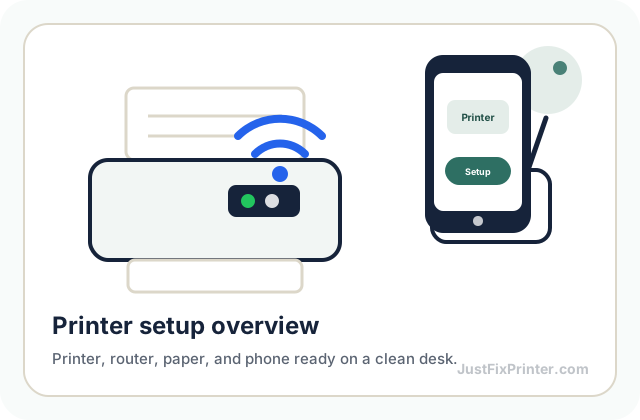
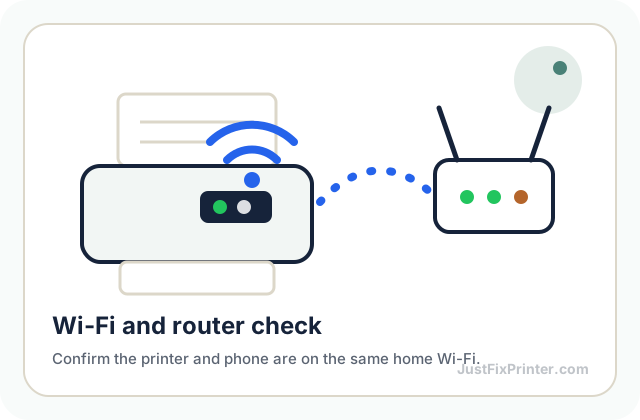
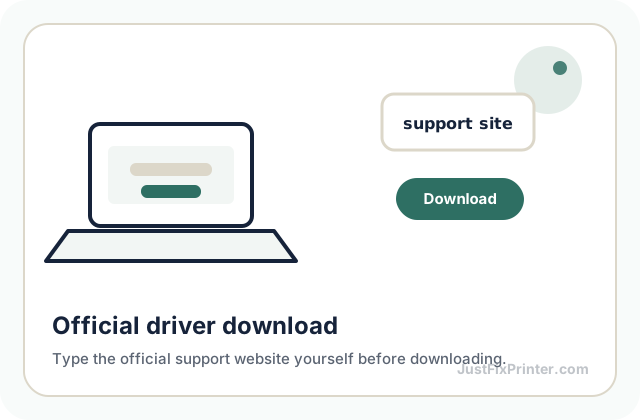
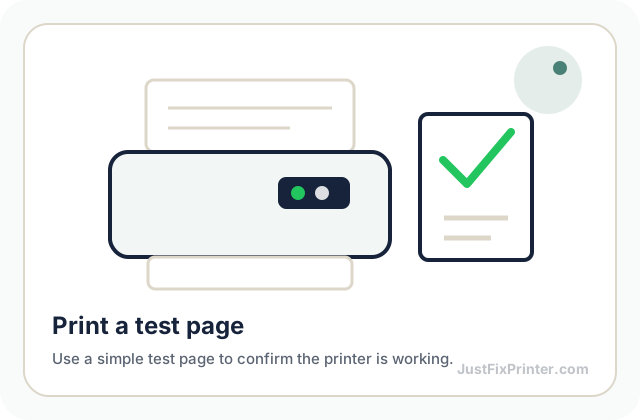
These visuals are matched to this page topic. They show the important printer parts, screens, connections, and test steps using lightweight, fast-loading local images.