JustFixPrinter
Setup
123.hp.com/setupHP setup for Windows, Mac, phone, tablet, and Chromebook Printer setup processUnbox, connect, install, and test print Connect printer to Wi‑FiWireless setup for home and office networks Find your printer modelOpen the exact driver and setup page
Brands
HPOfficeJet, DeskJet, ENVY, LaserJet, Smart Tank CanonPIXMA, MAXIFY, imageCLASS EpsonEcoTank, WorkForce, Expression BrotherMFC, DCP, HL, label printers LexmarkBusiness laser and MFP setup help Popular modelsHigh-demand printer pages and shortcuts
Fix Problems
Printer offlineCheck network, queue, and default printer Paper jamClear stuck paper safely and prevent repeats Driver will not installFix installer and download problems Printer will not scanScan app, USB, Wi‑Fi, and permission fixes Error codesUnderstand lights, messages, and common errors
Resources
Knowledge baseAll printer setup and troubleshooting guides Writers & expertsMeet the JustFixPrinter guide writers Help centerStart here when you are not sure what to fix
Need help?
Setup 123.hp.com/setup Printer setup process Connect printer to Wi‑Fi Find your printer model
Brands HP printers Canon printers Epson printers Brother printers Lexmark printers Popular models
Fix Problems Printer offline Paper jam Driver will not install Printer will not scan Error codes
Resources Knowledge base Writers & experts Help center Contact
Open original image
Home/Terms of Use

Terms of Use

General conditions for using JustFixPrinter's independent help content.

Last updated: September 7, 2026

Independent informational service

JustFixPrinter provides general printer setup and troubleshooting information. It is independent of the printer manufacturers and technology companies mentioned on the site unless a page expressly states otherwise.

No manufacturer software hosted

JustFixPrinter does not claim ownership of manufacturer drivers, firmware, manuals, trademarks, or software. Where software is needed, verify that you are using the manufacturer's official support domain and review that provider's terms before downloading or installing anything.

Use of the information

Printer models, operating systems, menus, and manufacturer instructions can change. Use the guides as general assistance and follow the instructions supplied with your own device when they differ. You are responsible for backups and for deciding whether a troubleshooting step is appropriate for your equipment.

Availability

We may update, correct, add, or remove content without notice. We do not guarantee uninterrupted availability of the website or external resources.

Intellectual property

Original JustFixPrinter text, illustrations, and site design are protected by applicable intellectual-property laws. Third-party names and trademarks remain the property of their respective owners and are used for identification and compatibility purposes.

Contact

Questions about these terms can be sent to support@justfixprinter.com.

These terms are a general website policy and should be reviewed for your business, jurisdiction, advertising setup, and any services added to the site.

Reference images

Helpful images for Terms of Use

These visuals are matched to this page topic. They show the important printer parts, screens, connections, and test steps using lightweight, fast-loading local images.
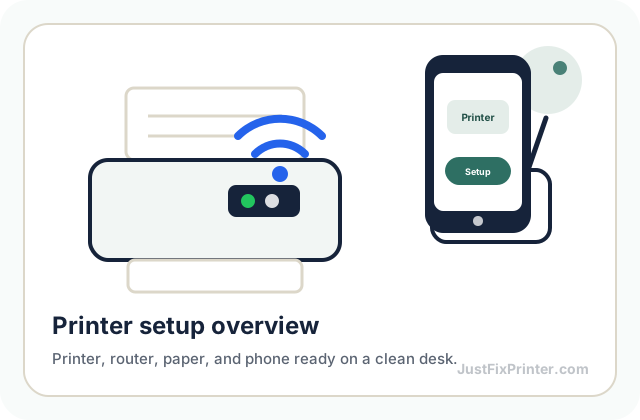
Printer setup overview reference image
Start with the printer powered on, paper loaded, and the router or computer nearby.
Printer control panel reference image
Use the control panel, buttons, or lights to confirm each step before moving on.
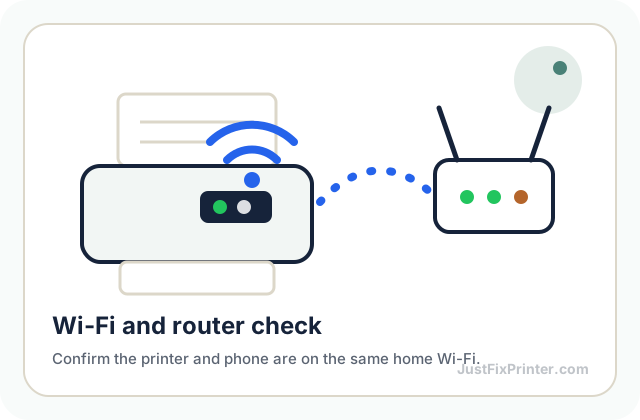
Wi-Fi router connection reference image
Keep the printer close to the router while connecting it to Wi-Fi.
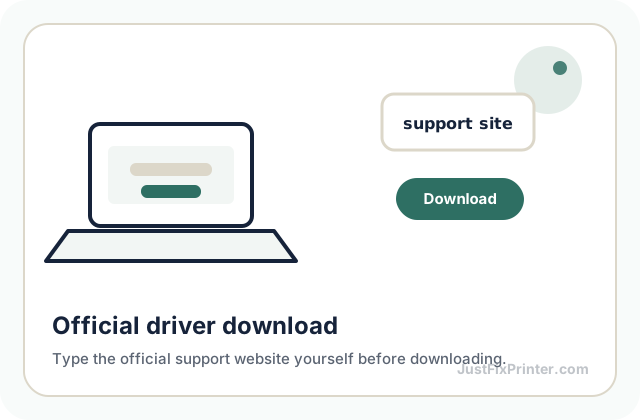
Official driver download reference image
For driver pages, type the official support website yourself before downloading anything.
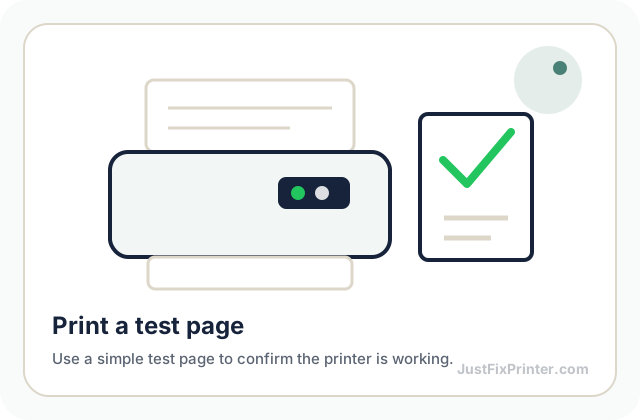
Test print page reference image
Finish by printing a small test page so you know the setup worked.

JustFixPrinter provides independent, plain-language printer setup and troubleshooting information. We are not affiliated with HP, Canon, Epson, Brother, Xerox, Lexmark, Microsoft, Apple, Google, or other manufacturers/platforms mentioned on this site.

Part of the JustFix family of independent, plain-language help sites — see About for how that works. Also visit JustFixEmail.com (email help) and JustFixWindows.com (Windows & Office help).

Featured HP printer setup & support, all in one place
HP Resources →
Printer help & site information
About Our Writers Printer Help & Guides Printer Models
Brand setup guides
HP Setup Canon Setup Brother Setup Xerox Smart Start
Product & information resources
HP Resources Canon Resources Brother Resources Xerox Smart Start Epson Resources Lexmark Resources Popular Models Privacy Policy Terms of Use Editorial Policy Contact

© 2026 JustFixPrinter. All rights reserved.

2632 Sunset Blvd, Houston, TX 77005, United States

Website by Summit Edge

f ◎ 𝕏 @ Q in