How JustFixPrinter researches, writes, and corrects its printer guides — our independence, accuracy, and plain-language standards explained.
JustFixPrinter is an independent informational resource created to provide clear, practical printer help in plain language. Our editorial priority is usefulness, accuracy, transparency, and respect for visitors who may already be frustrated by a printer problem.
JustFixPrinter is not a manufacturer or printer provider and does not present itself as an official support service. Manufacturer names, products, trademarks, and official resources are referenced only when relevant to helping visitors.
Published material is reviewed by a human responsible for its accuracy, clarity, usefulness, and suitability. AI-assisted drafting may be used as a support tool, but it is not treated as a substitute for editorial judgment.
Guides are researched and, where practical, checked against real troubleshooting steps, applicable manufacturer documentation, or other reliable evidence. We distinguish tested or confirmed information from general guidance and model-dependent instructions. Many of our steps are first reproduced and verified hands-on on our internal testing site, where we work through a printer problem ourselves before publishing the confirmed fix here.
Our goal is to explain printer problems in language that an ordinary visitor can understand. We avoid unnecessary jargon, confusing instructions, and generic filler.
Printer models, drivers, operating systems, applications, menus, and manufacturer instructions can change. Where instructions may vary, we identify the relevant limitation and review material when meaningful changes are reported or identified.
Instructions involving system settings, drivers, networking, firmware, or other system-level changes should include appropriate warnings when there is a meaningful risk. Visitors should back up important information when appropriate and should use official support or warranty channels when the issue requires manufacturer-specific service.
When the appropriate next step is an official manufacturer resource, we identify it clearly. We do not disguise an external destination as JustFixPrinter, use deceptive redirects, or imply manufacturer endorsement.
We do not create or publish fake users, fake experiences, fake questions, fake recommendations, fabricated testimonials, or unsupported ratings simply to make the site appear more popular or authoritative.
If an error is identified, we review the information and make a correction when warranted. The goal is to improve the usefulness and accuracy of the resource rather than defend an incorrect answer.
Links are included when they are relevant and useful to the visitor. Content and community participation should not be created solely to manufacture backlinks, search signals, or artificial popularity.
We aim to make information understandable to people and discoverable by search and AI systems, but visibility does not override editorial quality. We do not mass-produce generic pages simply to capture search traffic.
We follow the site's Privacy Policy when handling information submitted by visitors. Visitors should never provide passwords, recovery codes, authentication codes, or other sensitive credentials when asking for general help.
Our priority order is: help the visitor, be accurate, be transparent, explain limitations, provide an appropriate next step, and only then consider discovery or other secondary objectives.
Questions or corrections about editorial content can be submitted through the site's available contact method.
This policy describes our general editorial approach and is reviewed as our research, review, and publishing processes change.
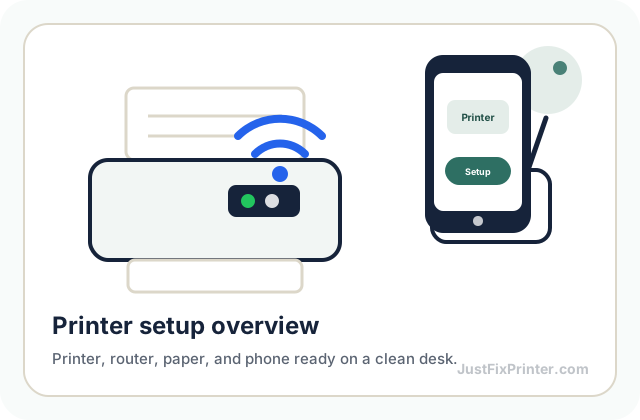
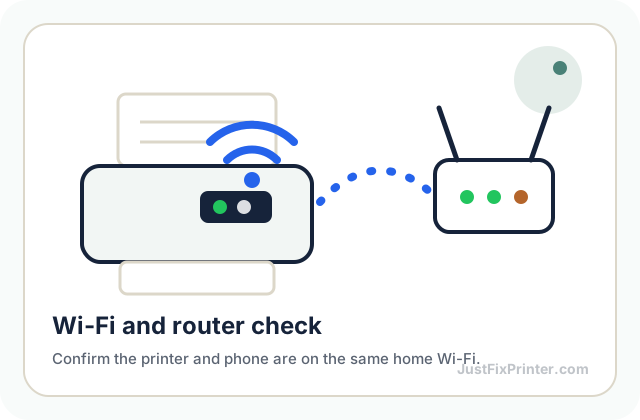
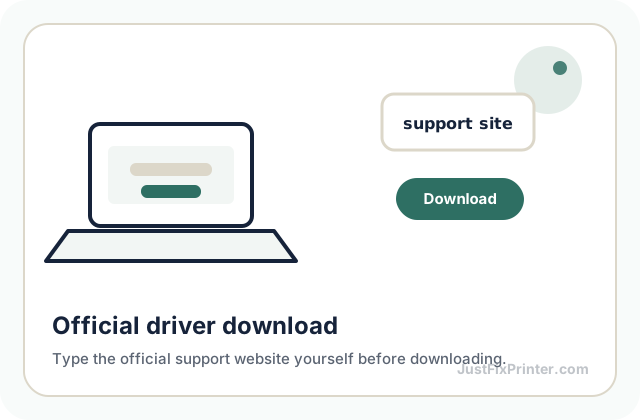
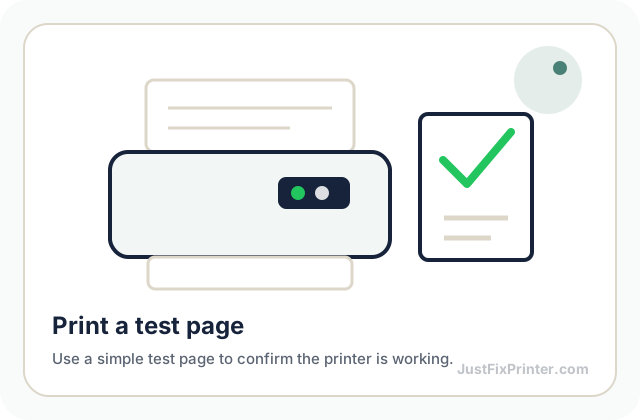
These visuals are matched to this page topic. They show the important printer parts, screens, connections, and test steps using lightweight, fast-loading local images.