JustFixPrinter
Setup
123.hp.com/setupHP setup for Windows, Mac, phone, tablet, and Chromebook Printer setup processUnbox, connect, install, and test print Connect printer to Wi‑FiWireless setup for home and office networks Find your printer modelOpen the exact driver and setup page
Brands
HPOfficeJet, DeskJet, ENVY, LaserJet, Smart Tank CanonPIXMA, MAXIFY, imageCLASS EpsonEcoTank, WorkForce, Expression BrotherMFC, DCP, HL, label printers LexmarkBusiness laser and MFP setup help Popular modelsHigh-demand printer pages and shortcuts
Fix Problems
Printer offlineCheck network, queue, and default printer Paper jamClear stuck paper safely and prevent repeats Driver will not installFix installer and download problems Printer will not scanScan app, USB, Wi‑Fi, and permission fixes Error codesUnderstand lights, messages, and common errors
Resources
Knowledge baseAll printer setup and troubleshooting guides Writers & expertsMeet the JustFixPrinter guide writers Help centerStart here when you are not sure what to fix
Need help?
Setup 123.hp.com/setup Printer setup process Connect printer to Wi‑Fi Find your printer model
Brands HP printers Canon printers Epson printers Brother printers Lexmark printers Popular models
Fix Problems Printer offline Paper jam Driver will not install Printer will not scan Error codes
Resources Knowledge base Writers & experts Help center Contact
Open original image
Home/Privacy Policy

Privacy Policy

How JustFixPrinter handles information when you use this website.

Last updated: September 15, 2026

Information you provide

If you contact us or submit a guide request, you may provide information such as your name or email address. We use that information to respond to the request you made. Do not submit sensitive information through website forms.

Analytics and technical data

The site may use analytics services, including Google Analytics, to understand aggregate traffic and site usage. Those services may process information such as device/browser data, approximate location, referring pages, and interactions according to their own policies.

Cookies

Analytics and other services used on the site may set cookies or similar technologies. Your browser provides controls for clearing or blocking cookies.

The JustFix family of sites

JustFixPrinter is part of a small family of independently run help sites — alongside JustFixEmail.com and JustFixWindows.com — built by the same team under a shared philosophy of plain-language, honest troubleshooting help. To keep the guidance on each site useful, the team may share general, non-personal knowledge across these sites: editorial lessons, research methods, safety practices, and technical know-how.

What we do not share across these sites is your personal information. If you contact JustFixPrinter or submit a request here, that information is used to respond to you on this site — it is not passed to JustFixEmail or JustFixWindows. Each site has its own separate privacy policy governing the information collected there. This family may grow to include other sites in the future; if it does, this same separation applies to any new site as well.

External websites

Our guides may identify official manufacturer support domains and link to third-party websites. Their privacy practices are governed by their own policies.

Data retention and security

We aim to collect only what is reasonably needed for the requested interaction and use reasonable measures to protect information. No internet transmission or storage method can be guaranteed completely secure.

Contact

Questions about this policy can be sent to support@justfixprinter.com.

This page describes the site's general privacy practices and should be reviewed whenever analytics, advertising, email marketing, forms, or other data-processing services are changed.

Reference images

Helpful images for Privacy Policy

These visuals are matched to this page topic. They show the important printer parts, screens, connections, and test steps using lightweight, fast-loading local images.
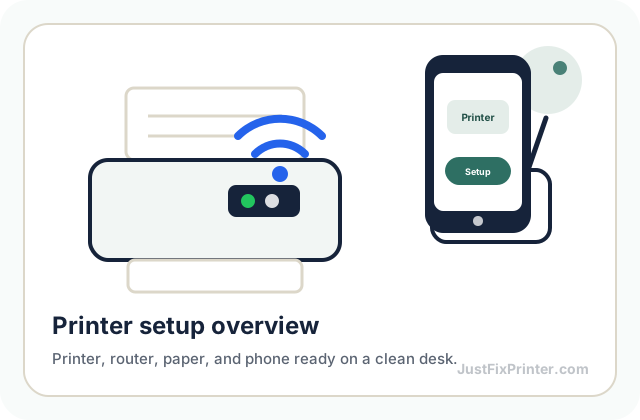
Printer setup overview reference image
Start with the printer powered on, paper loaded, and the router or computer nearby.
Printer control panel reference image
Use the control panel, buttons, or lights to confirm each step before moving on.
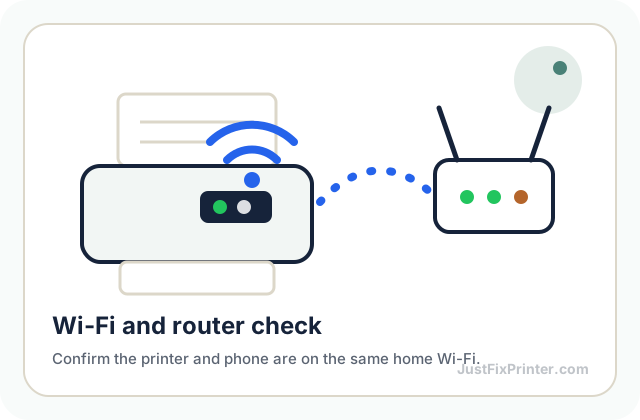
Wi-Fi router connection reference image
Keep the printer close to the router while connecting it to Wi-Fi.
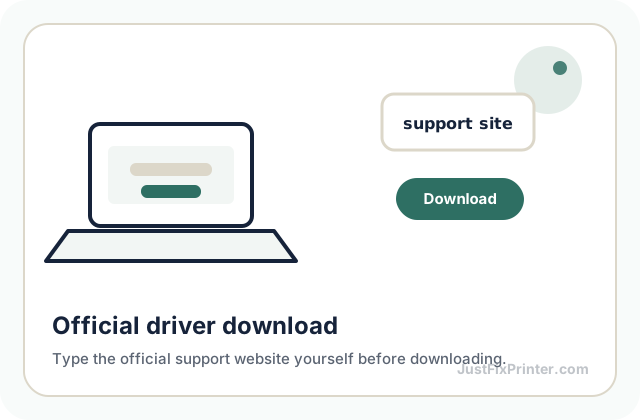
Official driver download reference image
For driver pages, type the official support website yourself before downloading anything.
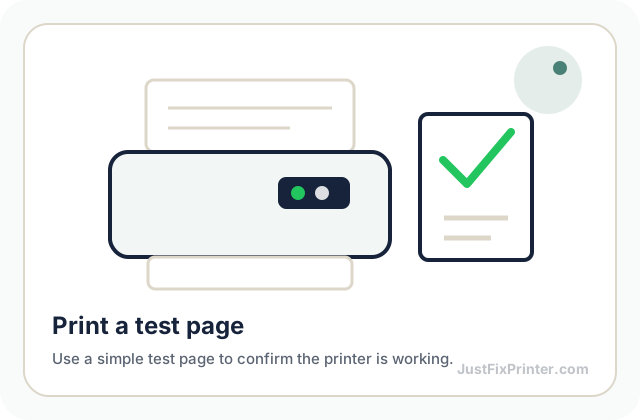
Test print page reference image
Finish by printing a small test page so you know the setup worked.

JustFixPrinter provides independent, plain-language printer setup and troubleshooting information. We are not affiliated with HP, Canon, Epson, Brother, Xerox, Lexmark, Microsoft, Apple, Google, or other manufacturers/platforms mentioned on this site.

Part of the JustFix family of independent, plain-language help sites — see About for how that works. Also visit JustFixEmail.com (email help) and JustFixWindows.com (Windows & Office help).

Featured HP printer setup & support, all in one place
HP Resources →
Printer help & site information
About Our Writers Printer Help & Guides Printer Models
Brand setup guides
HP Setup Canon Setup Brother Setup Xerox Smart Start
Product & information resources
HP Resources Canon Resources Brother Resources Xerox Smart Start Epson Resources Lexmark Resources Popular Models Privacy Policy Terms of Use Editorial Policy Contact

© 2026 JustFixPrinter. All rights reserved.

2632 Sunset Blvd, Houston, TX 77005, United States

Website by Summit Edge

f ◎ 𝕏 @ Q in