Most paper jam damage doesn't come from the jam itself — it comes from pulling the paper out the wrong way. Here's what's actually happening inside the printer, and the sequence that avoids making things worse.

A slow, clear JustFixPrinter video for this page is being prepared. The written guide below is ready now and follows the same step-by-step support style.

Getting a "paper out" error with a full tray is a different, distinct problem — see our printer says out of paper guide if that's what you're seeing instead.
A printer feeds paper using a set of rubber rollers that grip a single sheet and pull it through a fixed path at a controlled speed. A jam happens whenever that path gets disrupted — either because more than one sheet fed at once, the paper wasn't aligned straight, the paper itself is slightly damp or curled (which changes how it grips), or a torn scrap from a previous jam is still sitting in the path. Overfilled trays are a frequent, underrated cause: paper packed above the fill line puts extra pressure on the top sheet, making it more likely to skew or double-feed.
This general sequence works on any brand. If you'd rather jump straight to your printer's exact door/tray names, find your brand below first.
Turn the printer off first. Open the main access door indicated on the display, and pull the jammed sheet slowly in the direction of travel. Check the rear panel and duplexer if nothing's visible from the front.[1]
Turn the printer off before touching any paper. Open the scanner unit or front cover to check the main path, then specifically check the rear tray — the most commonly missed spot on Canon printers.[2]
Turn the printer off before touching anything inside. Open the top cover or scanner unit to expose the paper path, and remove visible paper gently in the direction of normal feed. Only move the print carriage by hand if truly necessary, and only when powered off.
Turn the printer off first. Open the front cover and remove the drum-and-toner assembly to access the path, then pull the jammed sheet slowly in the direction of normal paper travel. Check both the tray feed and output areas.
Read the exact jam location on the display first — Lexmark names the specific door or tray involved, unlike most brands. Open the indicated door and pull the paper slowly, then check for a second jam further along the path before closing everything.
A jam in the automatic document feeder (ADF) — the tray that pulls pages through for scanning or copying — is a different mechanism from a jam in the main paper tray, and needs a different, more careful approach. The main paper tray feeds one sheet through a relatively open, direct path; the ADF pulls pages through a much tighter, curved path lined with small rollers designed for single-pass scanning. This means a jammed page in the ADF is often bent or wedged against a roller in a way that isn't simply "stuck," and pulling it straight out the way you would with a regular jam risks bending internal rollers or tearing the page and leaving fragments behind.
Power off before touching anything. Pulling paper while the ADF motor is still engaged fights against the rollers actively trying to feed it, which is exactly what causes torn pages and damaged rollers.
Open the ADF's own cover, not the main printer body. Most ADFs have a dedicated access cover, usually on top of or behind the feeder tray itself, separate from the main printer body. Lift this cover to see the jammed page and which rollers it's caught on.
Pull forward, in the direction of travel — never backward toward the input tray. Pulling backward is what typically catches the page against a roller edge and tears it.
Check for torn fragments before closing the cover. A leftover fragment is the single most common reason an ADF keeps jamming repeatedly right after you thought you'd cleared it.
ADF jams are disproportionately caused by stapled corners, curled or creased paper, or feeding more pages than the ADF's rated capacity at once — flip through your stack and remove any bent corners or staples before loading a multi-page scan or copy job.
The instinct to yank a stuck sheet straight out is exactly what causes torn paper, which turns a two-minute fix into a recurring problem. The sequence that avoids this:
Power off first. This stops the rollers from continuing to grip and pull while you're reaching inside, which is both a safety issue and what causes a partially-fed sheet to tear in the first place.
Open every access point, not just one. Most printers have at least two or three ways in — the front cartridge door, a rear access panel, and the paper tray itself. Jams aren't always visible from the first door you check, and multi-sheet jams sometimes have paper visible from one side but the tear is only reachable from another.
Pull in the direction of the paper path, never against it. Look at how the paper is oriented and pull it the way it was already traveling, with steady, gentle pressure — not at an angle, and not backward against the rollers. If it doesn't move easily, stop. Forcing it is how a whole sheet becomes several small stuck pieces.
Check for scraps before closing everything up. Run a finger gently along the visible rollers. A torn corner or edge left behind is, by a wide margin, the most common reason the exact same jam happens again on the very next print.
Fanning your paper stack before loading it and never filling the tray past its marked line resolves the majority of jam-prone printers without touching a single setting — it costs about five extra seconds per refill.
An occasional jam is normal. A printer that jams on every few pages, or jams at the exact same point every time, is usually telling you something specific:
Download this exact page as a PDF to keep or print — no email required.
Our diagnostic tool and troubleshooting handbook cover the less common causes, including roller wear and paper-type mismatches.
Get the Troubleshooting HandbookThe four categories almost every printer error falls into.
Read the article →Real causes, and how a nozzle check tells you which one you have.
Read the article →When to actually replace a cartridge, and common installation mistakes.
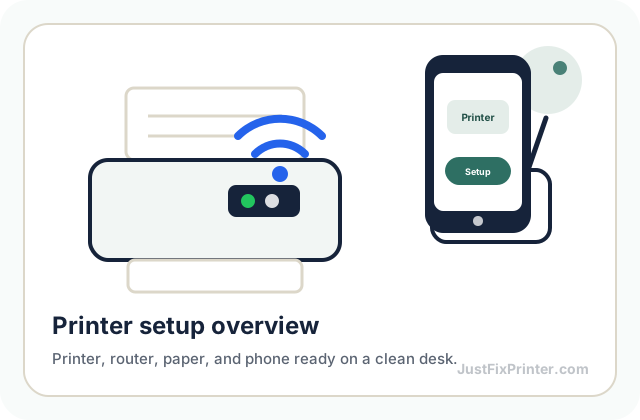
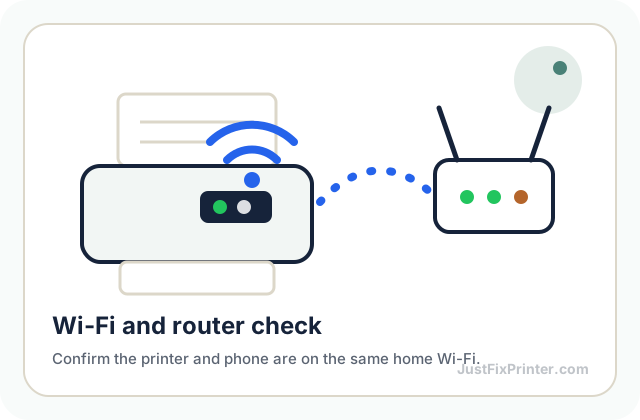
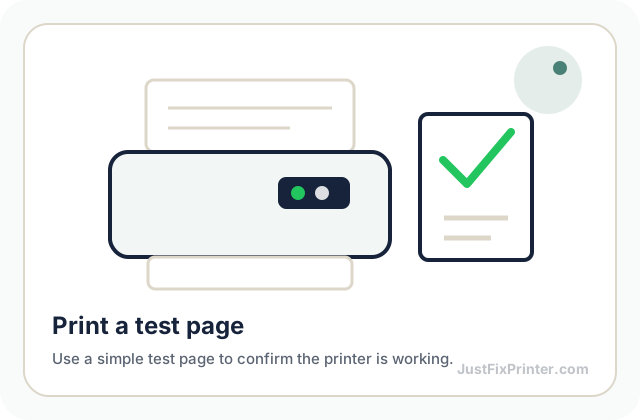
Read the article →These visuals are matched to this page topic. They show the important printer parts, screens, connections, and test steps using lightweight, fast-loading local images.