Not sure where to start? Pick the category closest to your situation below — or use the search tool if you already know your printer's model.
Type your printer's model and we'll detect the brand and pull up the right driver link.
Search now →Enter your model and error code to search the manufacturer's own official support site directly.
Use the error lookup →Pick what your printed page looks like — streaky, faded, wrong colors — and get the likely cause and fix.
Run the diagnostic →The same setup sequence for almost any inkjet or laser printer, regardless of brand.
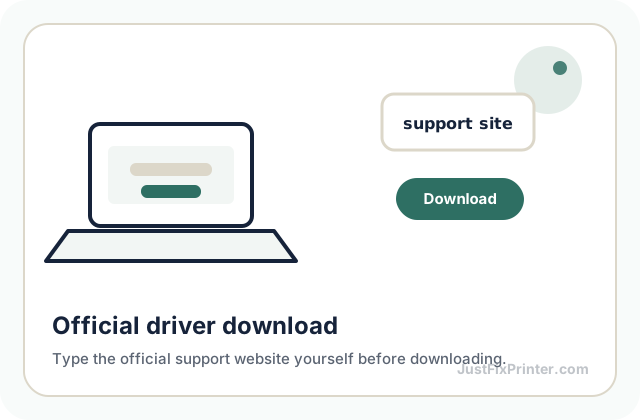
See the steps →Direct links to HP, Canon, Epson, Brother, and Lexmark's real driver download pages.
Find your brand →Why each step matters and the mistakes that cause most first-time setup failures.
Read the article →Five general checks that resolve the large majority of printer problems.
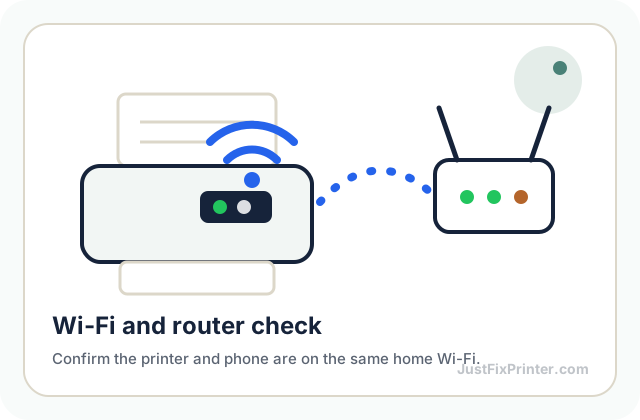
See the checklist →Offline printers, wrong networks, dropped connections — and the fix for each.
See wireless issues →The four categories almost every printer error falls into, so you can self-diagnose faster.
Read the article →The safe removal sequence, and when a recurring jam means something more.
Read the article →Setup, troubleshooting, and maintenance guides, written by us and free to keep.
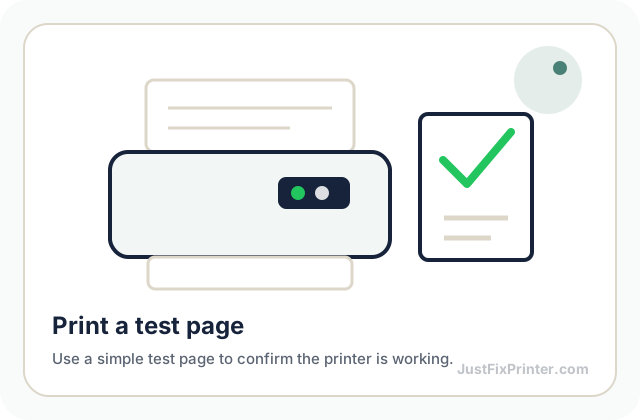
Browse the guides →Print this at 100% scale to check for gaps, misalignment, banding, or color issues.
Get the test page →When to actually replace a cartridge, common mistakes, and how to store spares.
Read the article →A simple weekly-to-yearly maintenance rhythm to keep any printer running well for years.
Download the PDF →If nothing above solved it, reach out directly — we'll look at the specific error and your printer model before suggesting anything.
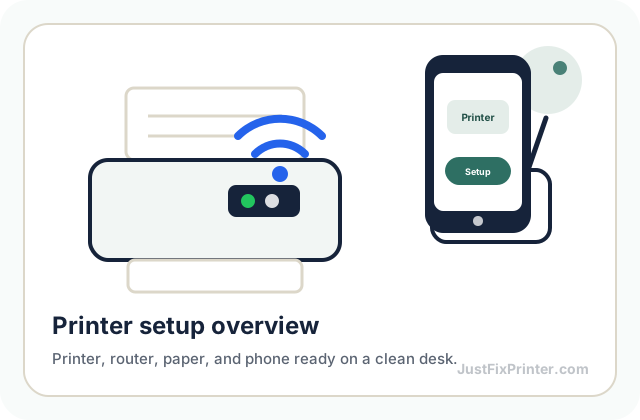
Contact usThese visuals are matched to this page topic. They show the important printer parts, screens, connections, and test steps using lightweight, fast-loading local images.